
Transduction Barrier
 The Transduction Barrier is a block that prevents nearby Tardises from landing within its defined radius if the Tardis' Landing Codes don't match that of the barrier.
Crafting Recipe
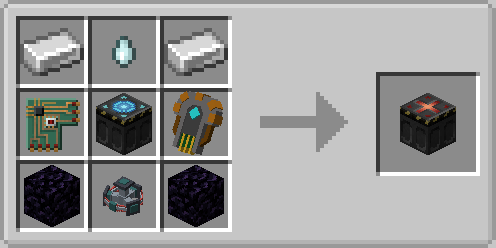
Uses
Preventing Unauthorised Tardis Landings
The Transduction Barrier can prevent any Tardis without a matching Landing Code from landing within a 25 block radius of this block.
Any Tardises that don't have the same Landing Code will be redirected (without warning) to a random block position outside the radius.
Setting Traps for Unauthorised Players
Transduction Barriers can be used in conjunction with Landing Pads and other mechanics to create deadly traps for intruding Tardis pilots. For example, a Transduction Barrier can be used to push out unauthorised Tardises, and Landing Pads can be used to force a Tardis to land on the pad that is set within a trap.
Usage
Preventing Unauthorised Tardis Landings
Setting Up Landing Codes
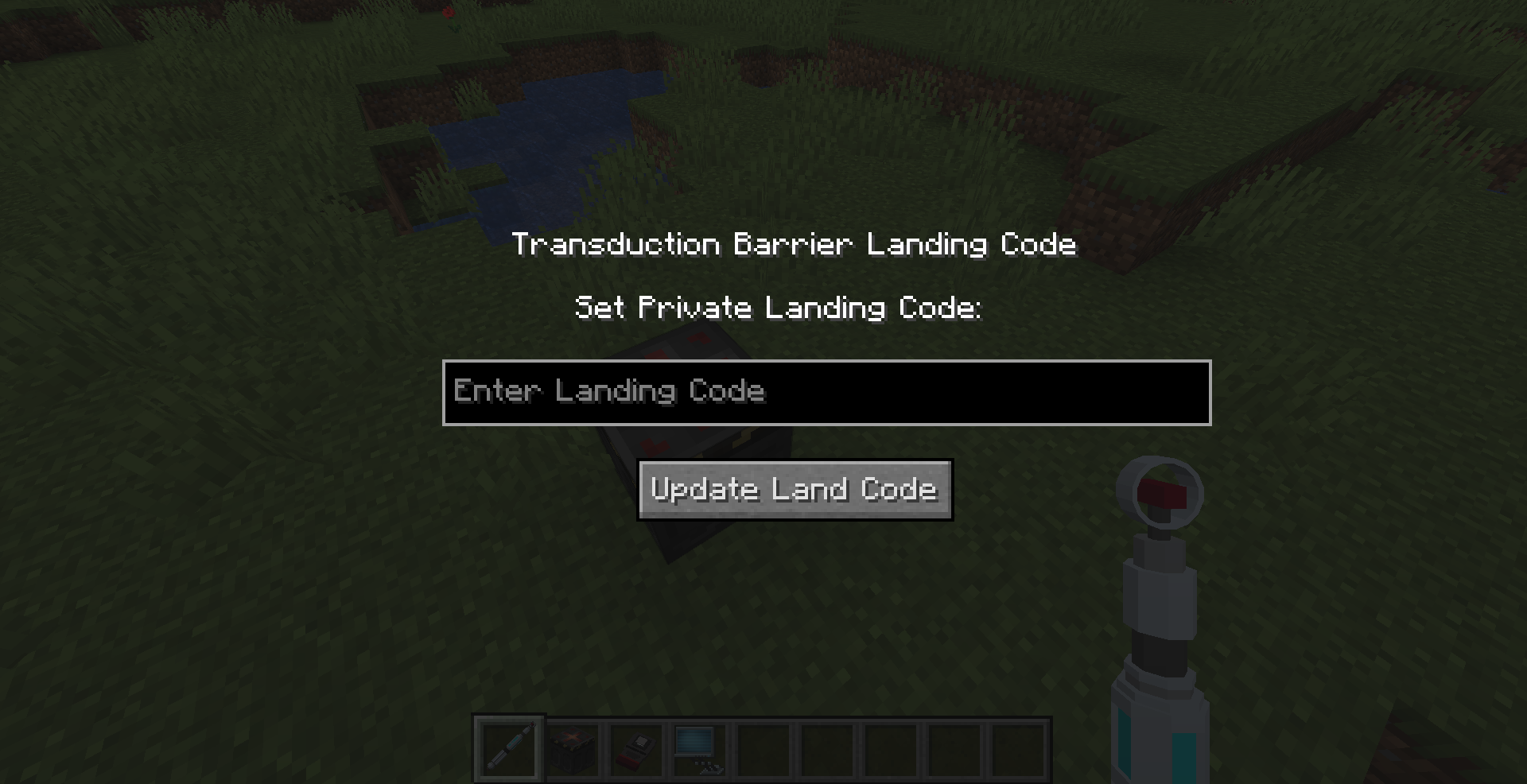
Powering the Transduction Barrier
To allow the Transduction Barrier to take effect, it must be powered by Forge Energy (Redstone Flux) and a Redstone signal.
The Transduction Barrier requires 1 Forge Energy Units per second and will drain 500 Forge Energy Units each time it blocks an unauthorised Tardis from landing.(Configurable via Server Config)
It can store up to 10,000 FE by default, meaning it can block up to 20 times.
The Transduction Barrier must be constantly powered by a Redstone Signal to remain active. If there is no Redstone Signal present, it will not function.
Viewing Transduction Landing Code
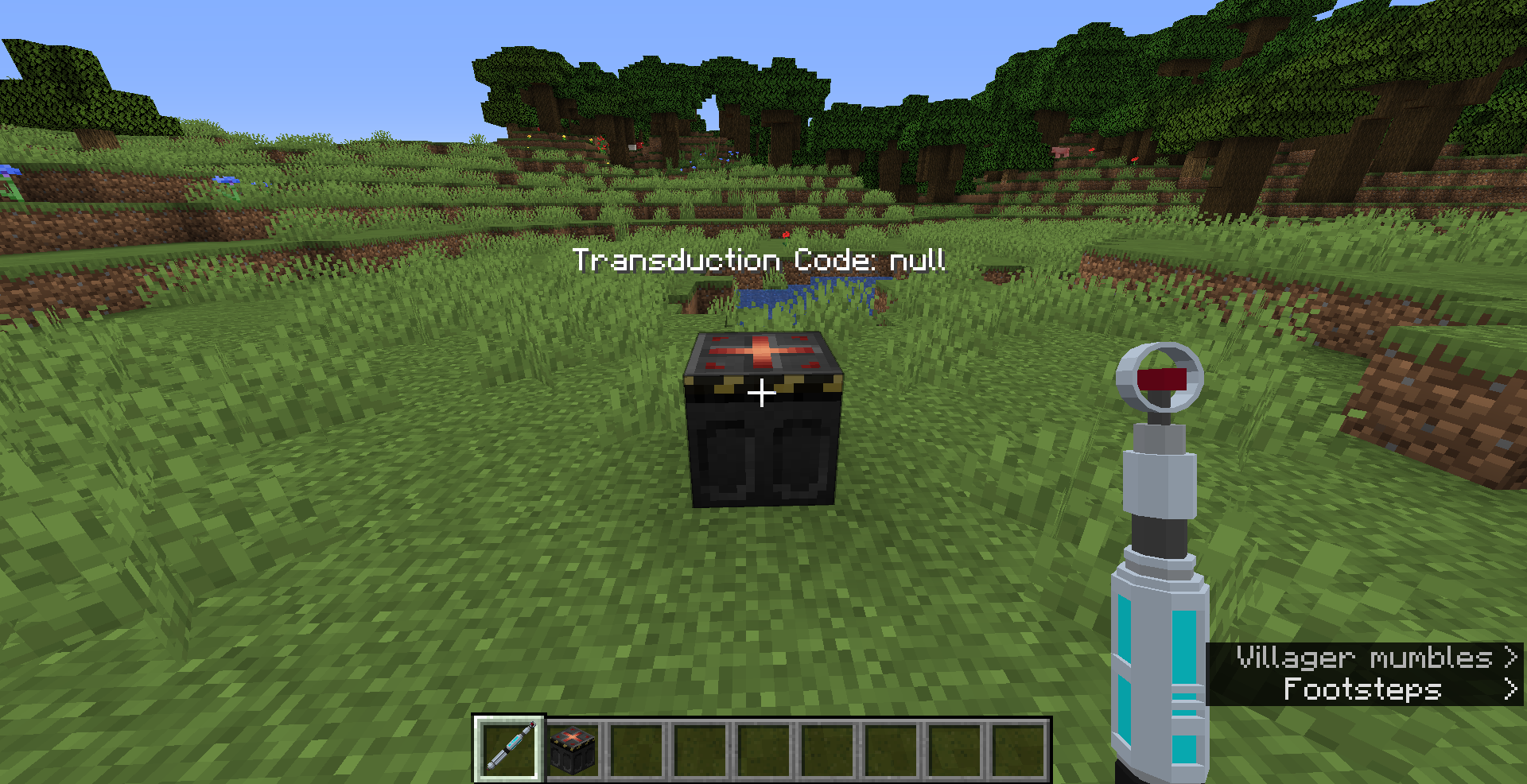
Allowing Players Access to Protected Areas
You can allow Transduction barrier protected areas by setting the Landing Code of a Tardis to match that of the Transduction Barrier Code.
