Diagnostic Tool
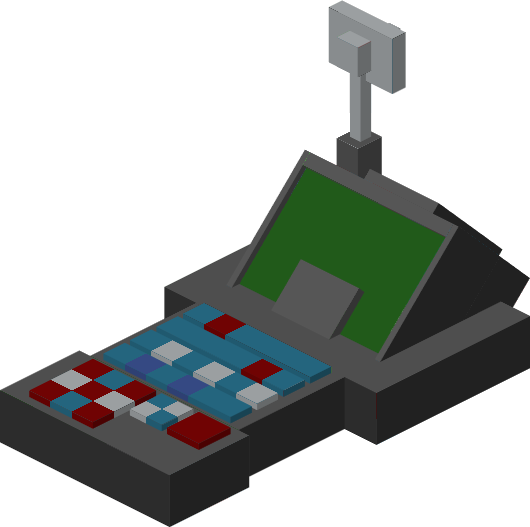
The Diagnostic Tool is a multi-purpose device that allows a player to view dashboards and track their Tardis
Crafting Recipe
Name
Ingredients
Recipe
Diagnostic Tool
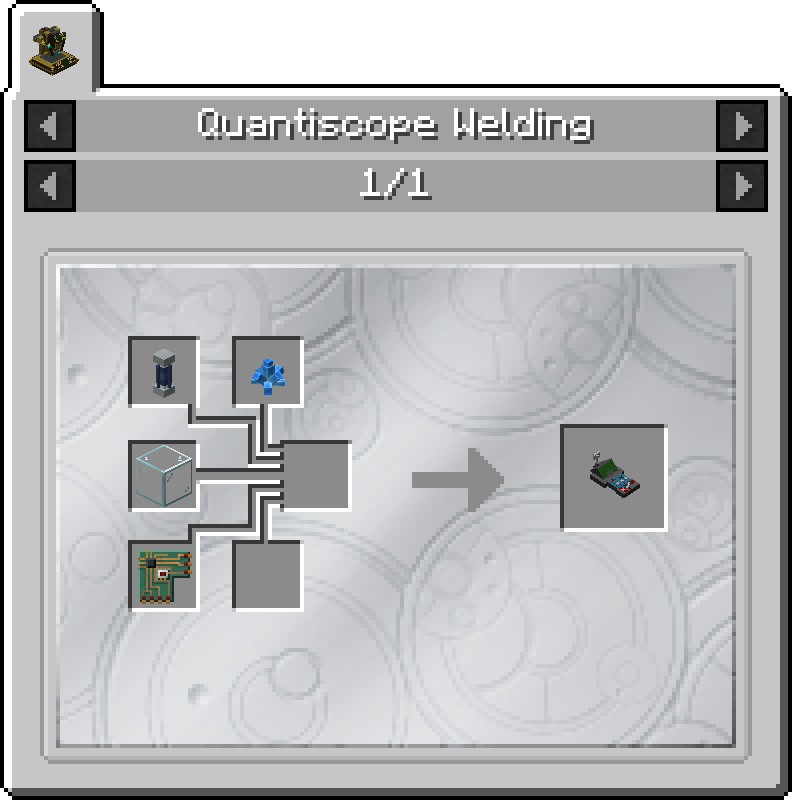
1 x Artron Battery (Basic)
1 x Exotronic Circuit
1 x Glass Block
1 x Xion Crystal
Quantiscope Crafting
Uses
Viewing Tardis Subsystems
Tracking Tardis Exterior and Console
Viewing a Tardis' Owner
Usage
Attuning to a Tardis
Before usage the Diagnostic Tool must be attuned to a Tardis.
Viewing Tardis Subsystems
Outside the Tardis
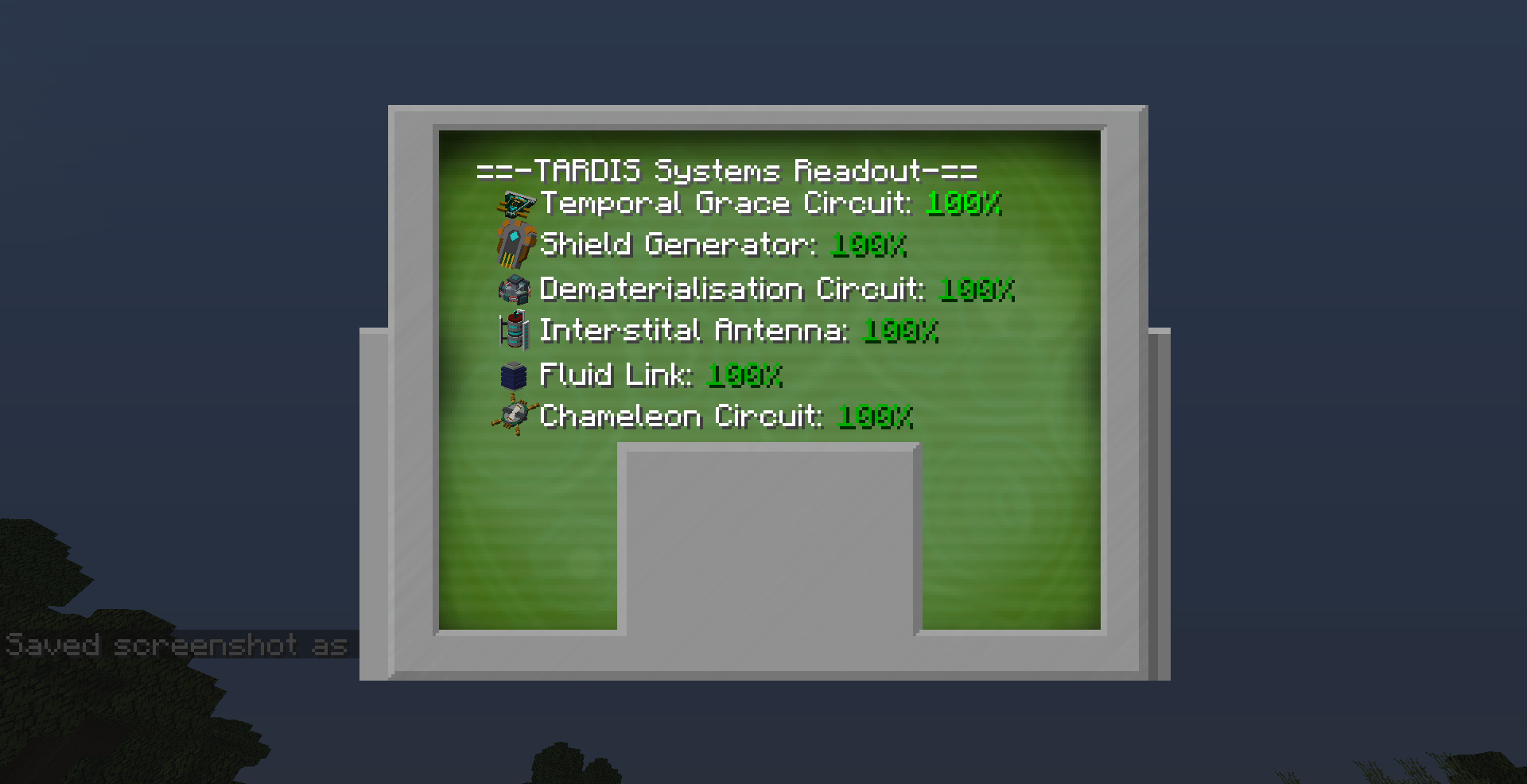
Hold the Diagnostic Tool and Right click.
A GUI will show on screen displaying a dashboard about each subsystem name and its health
Inside
the Tardis
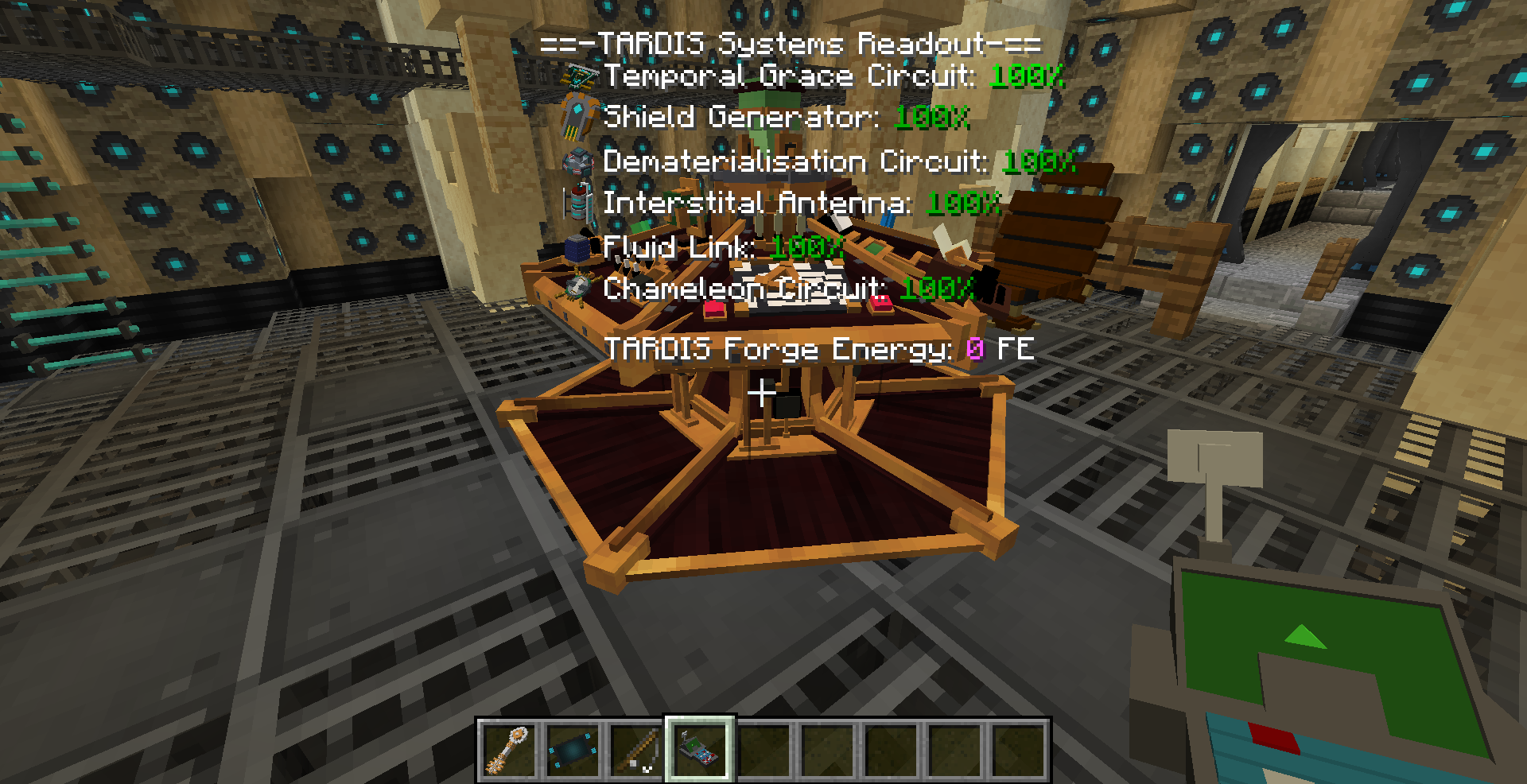
Hold the Diagnostic Tool
Look at the Tardis Console
An overlay GUI will show on screen displaying a dashboard about each subsystem name and its health
Additionally, the Tardis' Forge Energy Banks (Energy bank for use with other mods) will also be displayed
Tracking Tardis Exterior and Console
Tracking Tardis Exterior - Approximate Location
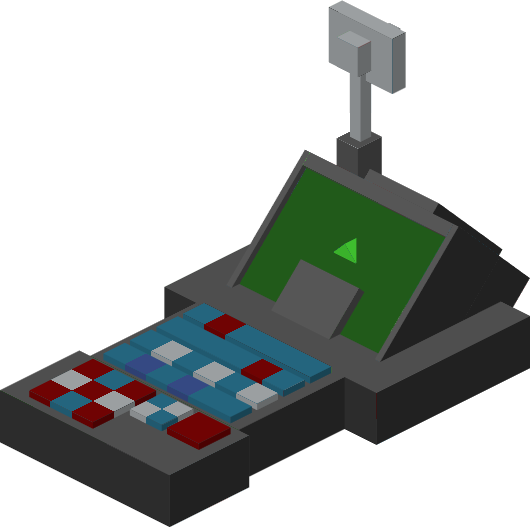
Figure 1 - The Diagnostic Tool item showing a Green Arrow on the screen when it detects a Tardis Exterior or Console Block
Hold the Diagnostic Tool
Slowly pan the mouse in a 360 degree arc.
If the player is within 10 degrees away from the Exterior of their Tardis, the Diagnostic tool will show a green arrow on its screen and continously beep
Tracking Tardis Exterior - Exact Location
Right click with the Diagnostic Tool
Select the "Timeship Location" button
See the Tardis' current location and dimension. This position may vary depending on if the Tardis is still in-flight.
Tracking Tardis Console
When inside the Tardis interior, it can be easy to get lost inside the interior. The Diagnostic tool can help you find your way back to the Console room by being able to track the Console Block.
Following the above steps for Tracking Tardis Exterior
Viewing a Tardis' OwnerForge Energy Buffer
HoldRight click with the Diagnostic Tool
Look at aSelect the
exterior"Forge blockEnergy ofBuffer" any Tardis, including other Tardisesbutton on
a multiplayer server
A text overlay will show the
usernamemain of the Tardis' owner.GUI

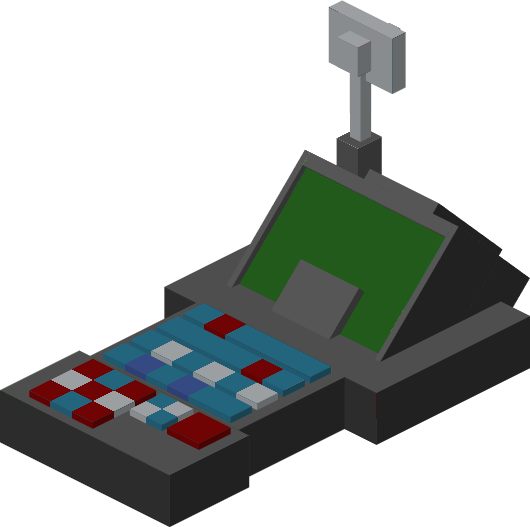
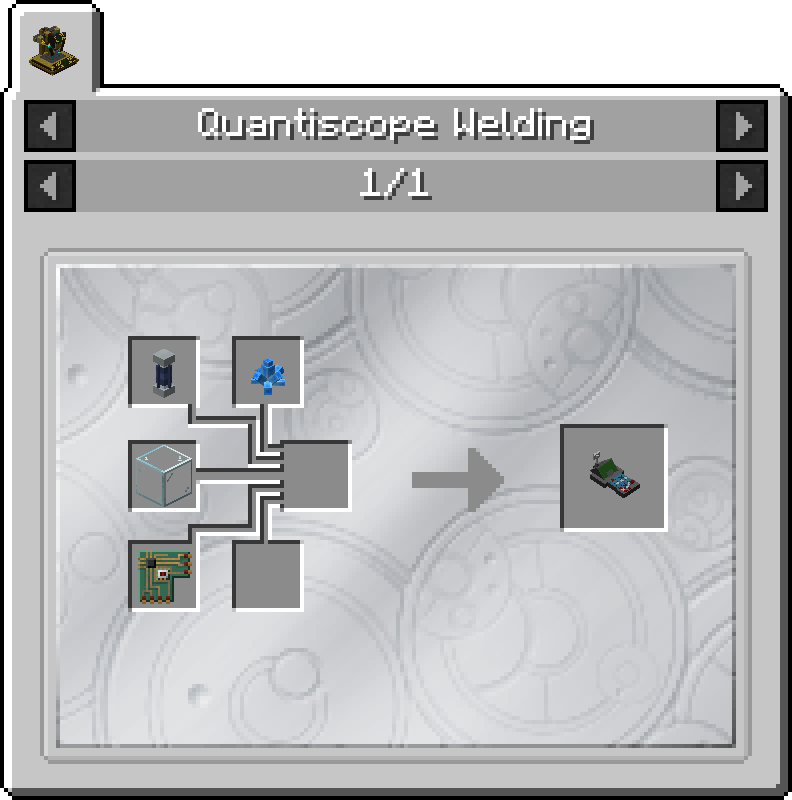
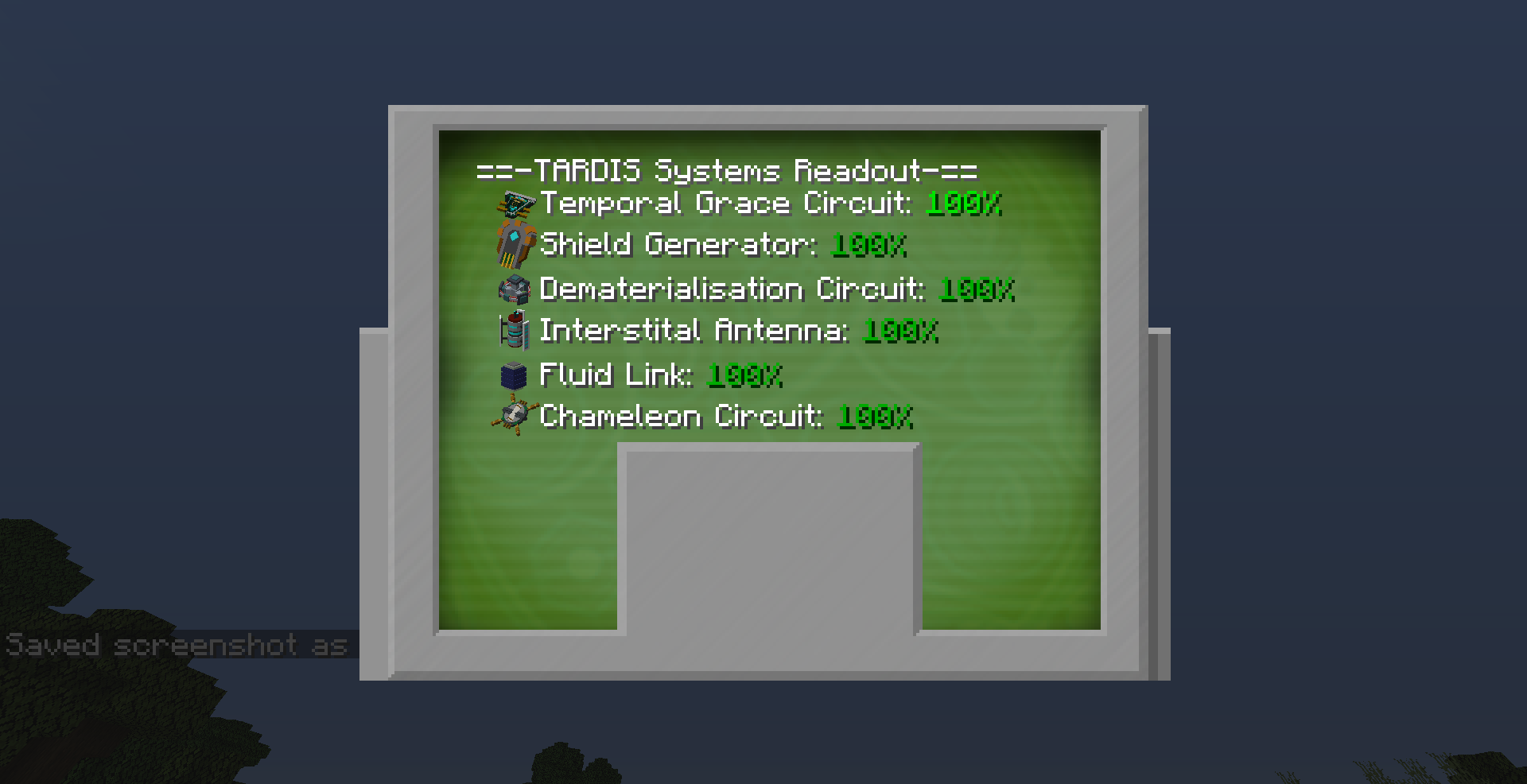
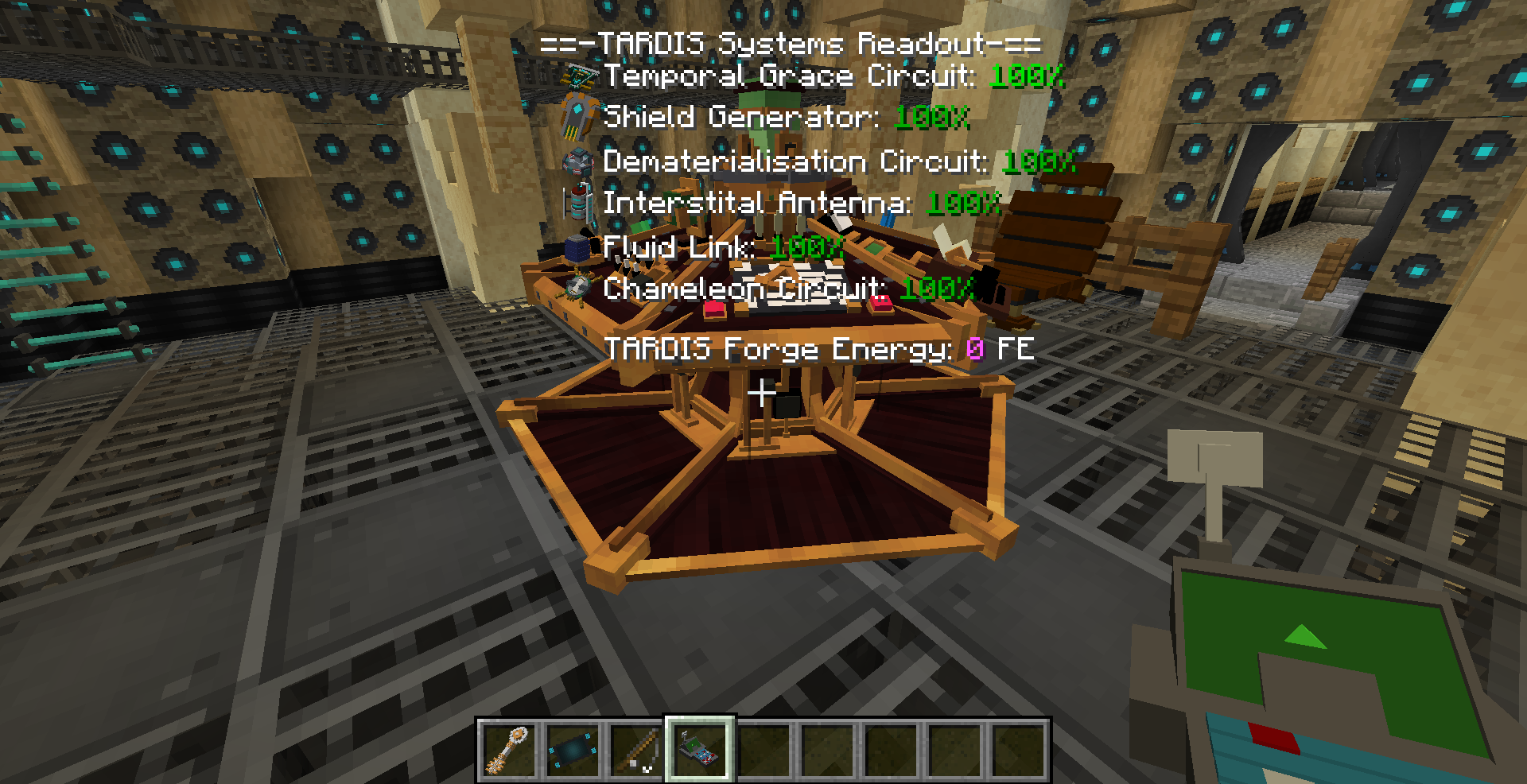
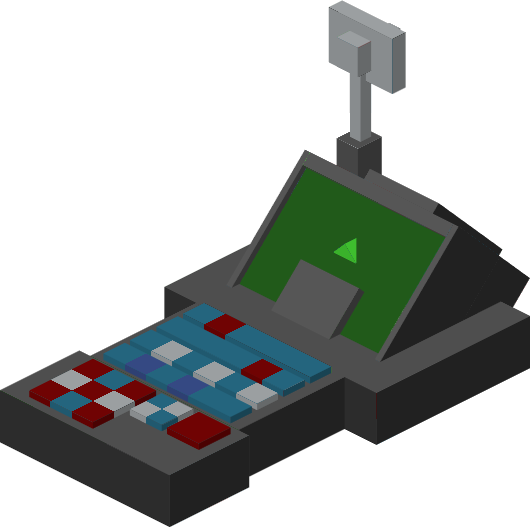 Figure 1 - The Diagnostic Tool item showing a Green Arrow on the screen when it detects a Tardis Exterior or Console Block