
Tardis Operation - Flight
WIPTardis Flight allows the Tardis to travel through different dimensions and cross large distances. There are several ways to fly the Tardis and many options to control its abilities. However there are also some limitations and dangers as well.
Understanding Tardis Flight
Tardis Flight can create a variety of experiences for different pilots.
Therefore, a thorough understanding of the Tardis is recommended.
Tardis Flight depends on the following factors:
Installation of Essential Flight-related Circuits
The most basic form of Tardis Flight requires the installation of the Fluid Links, a Dematerialization circuit and Time Vector Generator. Without them, the Tardis cannot take off and/or allow the player to enter its interior.
Minimum Requirements:
Tardis Monitor
A Tardis Monitor allows the player to view their destination, flight progress and other essential properties of their Tardis. It is also important for long term flight-readiness via monitoring and maintenance access to Tardis sub-systems.
Multiple monitors may be placed in the interior. Each monitor will share the same information and have the same functionality.
Minimum Requirements for flight: Placing down A Tardis Monitor in the Tardis interior
Artron Energy Levels
The Tardis uses up Artron Energy during flight.
Each flight journey will use up 4% or more of the Tardis’ total capacity.
If the artron energy level reaches 0%, explosion particles will be emitted from the console,followed by a Tardis Crash and the ringing of the Tardis Cloister Bell.
Further consequences are the Tardis’s exterior position will be 5-10 blocks away from the position of the Tardis at a point in time when its artron energy banks were more than 0%.
Additionally a 5x5 crater will be generated near the crashed exterior.
Minimum Requirements for flight: 5% per flight
Average Artron Energy usage in certain scenarios:
Scenario
Artron Energy Usage (%)
Time of Flight (seconds)
Travelling 1 or more blocks in one axis in the same dimension as previous position
4
18
Travelling to another dimension without change in coordinates
7
34
Closed Tardis Doors
The Tardis interior doors must be closed during flight to prevent the player from being left behind at the Tardis’ previous location.
The Tardis is able to take flight if the interior doors are removed. However, the interior doors need to be replaced after the Tardis has landed to allow players to exit the Tardis.
Summary
Before activating flight mode, the following minimum requirements must be met:
To activate flight mode, the main steps are as follows:
Additional Flight Modifiers
The following methods provide greater flexibility and complexity to Tardis Flight. To use them, use the correct control as detailed below before taking off.
Modifier
Activation Method
Travel to other dimensions
Use Dimensional Control.*
Modify Tardis Exterior Direction
Change Landing Spot Search behaviour
Travel to saved locations (waypoints)
*Using Dimensional Control will revert the destination coordinates to the exterior’s current coordinates. It is recommended to change the dimension first, then input coordinates.
Types of Flight Modes
In additional to the basic steps of flight, there are a variety of methods to fly the Tardis. This includes Manual Flight, Stabilized Flight and flight options added by external mods, plugins or addons.
Manual Flight
Manual flight (aka non-stabilised flight) is a method of flight which requires the player to manage the Tardis’ controls during flight to prevent course deviations.
Manual flight allows the player to have more interaction and responsibility for a successful flight, but offers no advantage over stabilised flight. (As of 0.0.8A)
Warning Messages
During manual flight, a warning message will warn the player of a potential danger with the current flight situation and provides a hint on the recommended action.
This message will appear over the hotbar for up to 5 seconds.
The player must press a control that prevents the potential danger. They have a 5 second timeframe to respond, starting from the first display of the warning message.
For best experience, it is recommended for the player to experiment and familiarise themselves with the warning messages and an appropriate response.
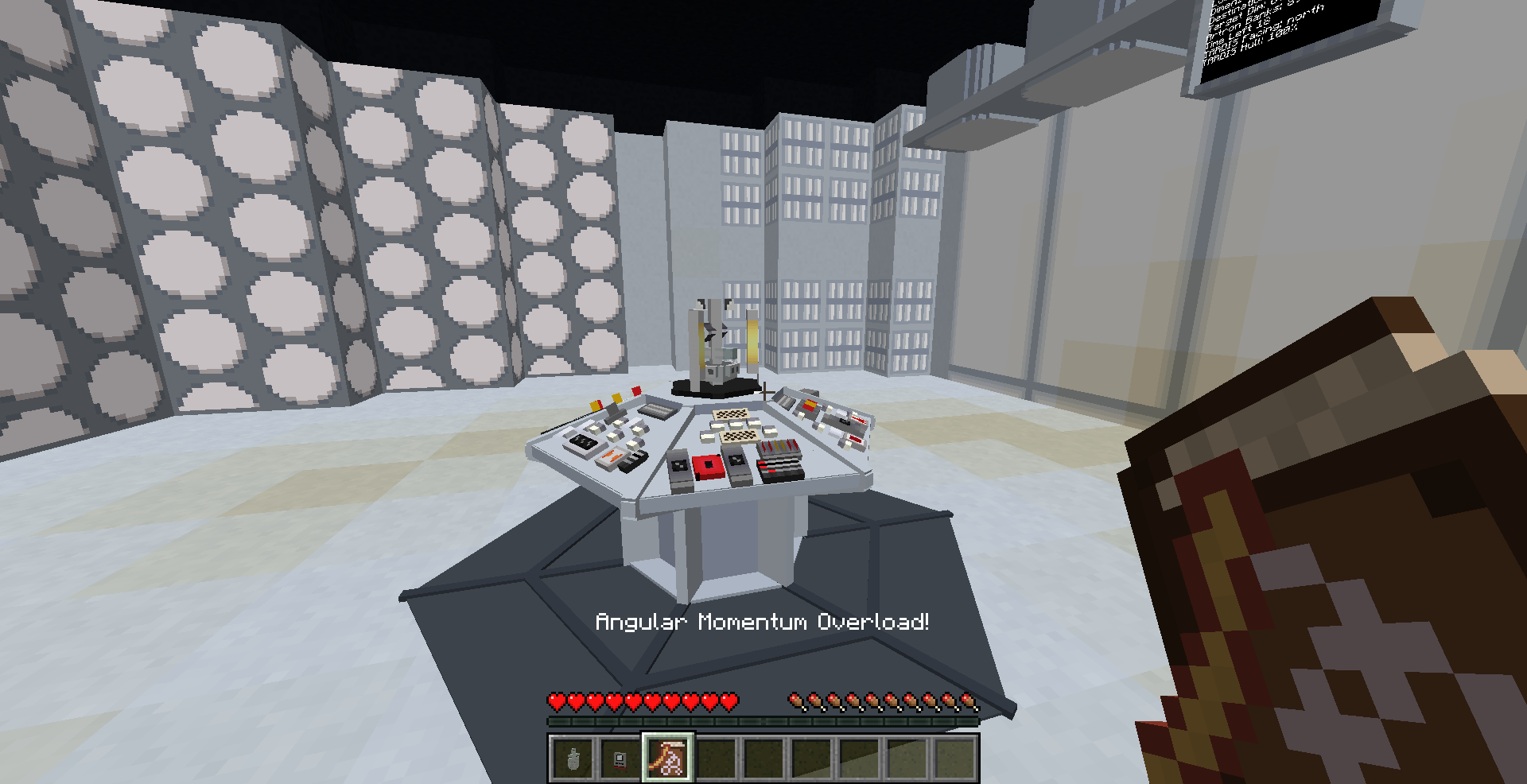
Figure 1 - One of many warning messages displayed above the player hotbar during Manual Flight Mode.
Potential Consequences - Tardis Crashes
If the required control is not activated within this time frame, the Tardis will deviate from its destination by 5-10 blocks and receive greater sub-system damage than incident-free journeys. This is shown by explosion sounds and smoke particles emitting from the console.
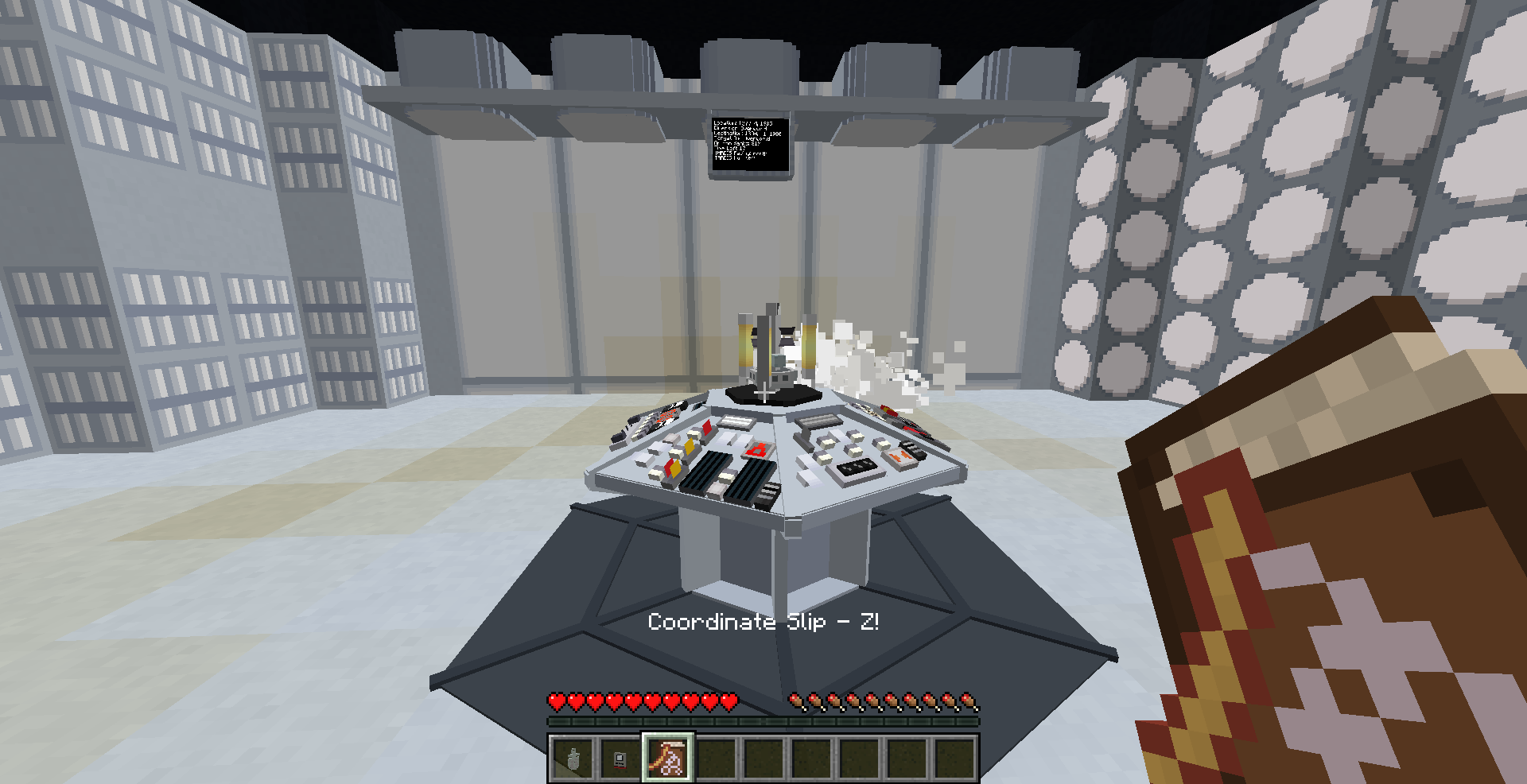
Figure 2 - Explosions, course deviation and sub system damage as a result of negligent flying.
Notes:
Figure 3 - Manual Flight Demonstration (Course Corrections)
Stabilized Flight Mode
Figure 4 - The installation and activation of Stabilizer Circuits allows for stabilized flight
Stabilized Flight is a method of flight which does not require the player to manage the Tardis’ controls during flight.
Stabilized flight can be activated by installing stabilizer circuits (with a durability of at least 20%)
Notes:
Telepathic Circuits
The use of the Telepathic Circuits allow the player to travel to a variety of Minecraft Biome Types, structures and other players (multiplayer only).
To use the Telepathic Circuits, right click the Telepathic Circuit controls and use the side buttons to cycle through the list of biomes, structures and players.
Notes:
Incidents During Tardis Flight

Answering the Communicator
If an Interstitial Antenna is installed, a constant phone ringing sound is heard in the interior. The ringing indicates a Village is under attack by Daleks!
If one chooses to travel to the village, the player needs to right click the Communicator. This will set the Tardis’ destination to the Village in distress.
Then, they must right click the Time Rotor Handbrake to take off.
Alternatively, the ringing sound can be ignored and will stop after some time. After the ringing sound stops, the player can no longer travel to the coordinates of the invasion.
To stop the ringing noise immediately, uninstall the Interstitial Antenna via the Sub-systems readout.
Notes:
Figure 5 - A demonstration of a Dalek Invasion via answering the Communicator.
Alternative Flight Methods
ComputerCraft Tweaked and OpenComputers Integration
Alternative methods of flying the Tardis can be achieved without the use of the console. This involves using the Handles Addon for OpenComputers and ComputerCraft.
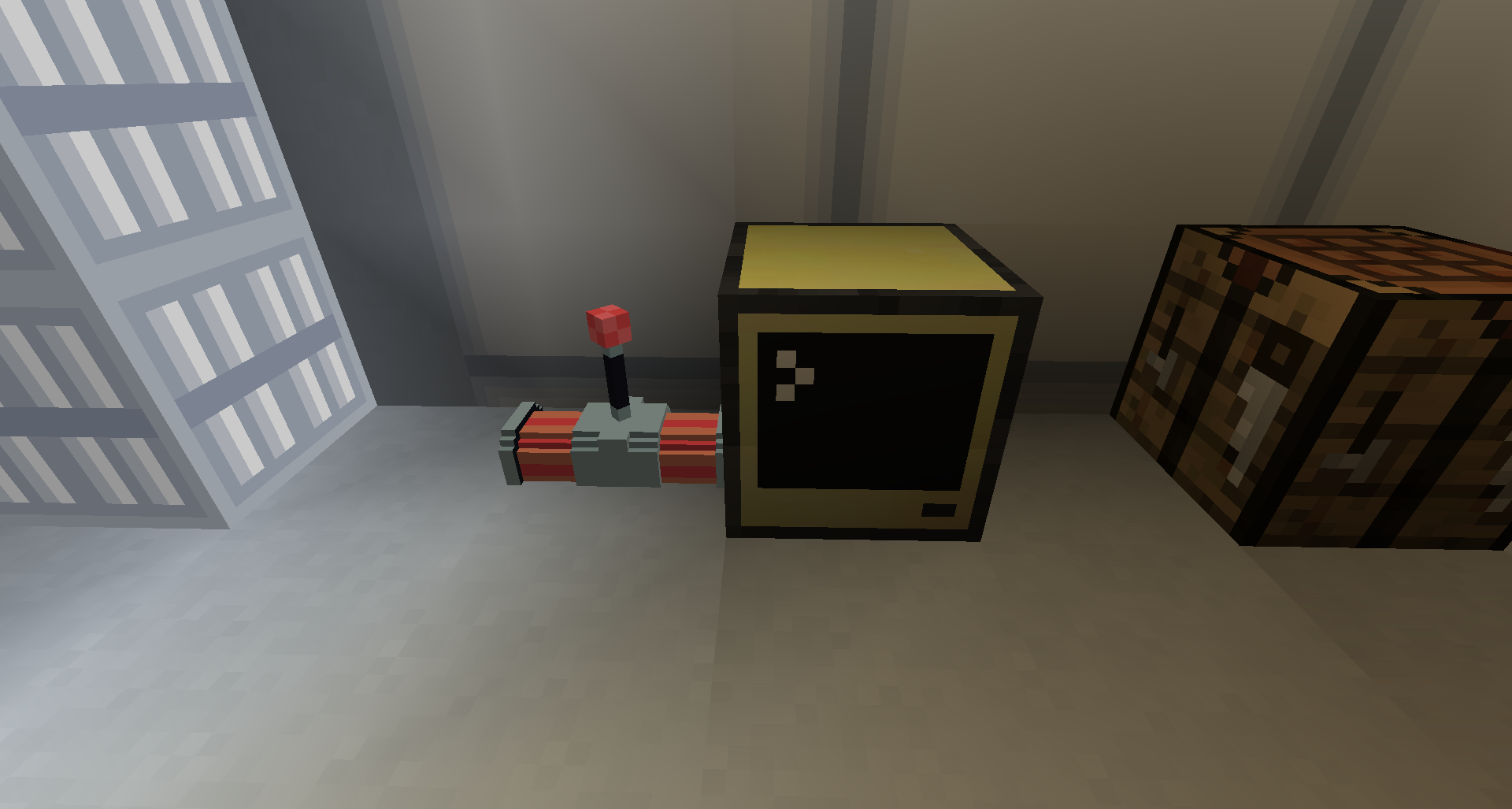
For more information please see the Handles wiki: https://github.com/LotuxPunk/Handles/wiki.