
Tardis Monitor
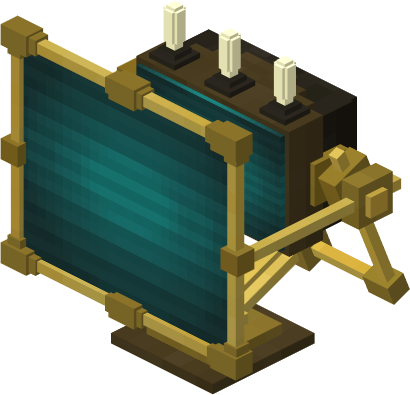
The Tardis Monitor block is a block that allows a Tardis pilot to control various aspects of their Tardis.
Crafting Recipe
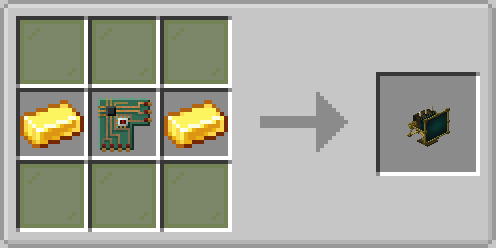
Uses
Usage
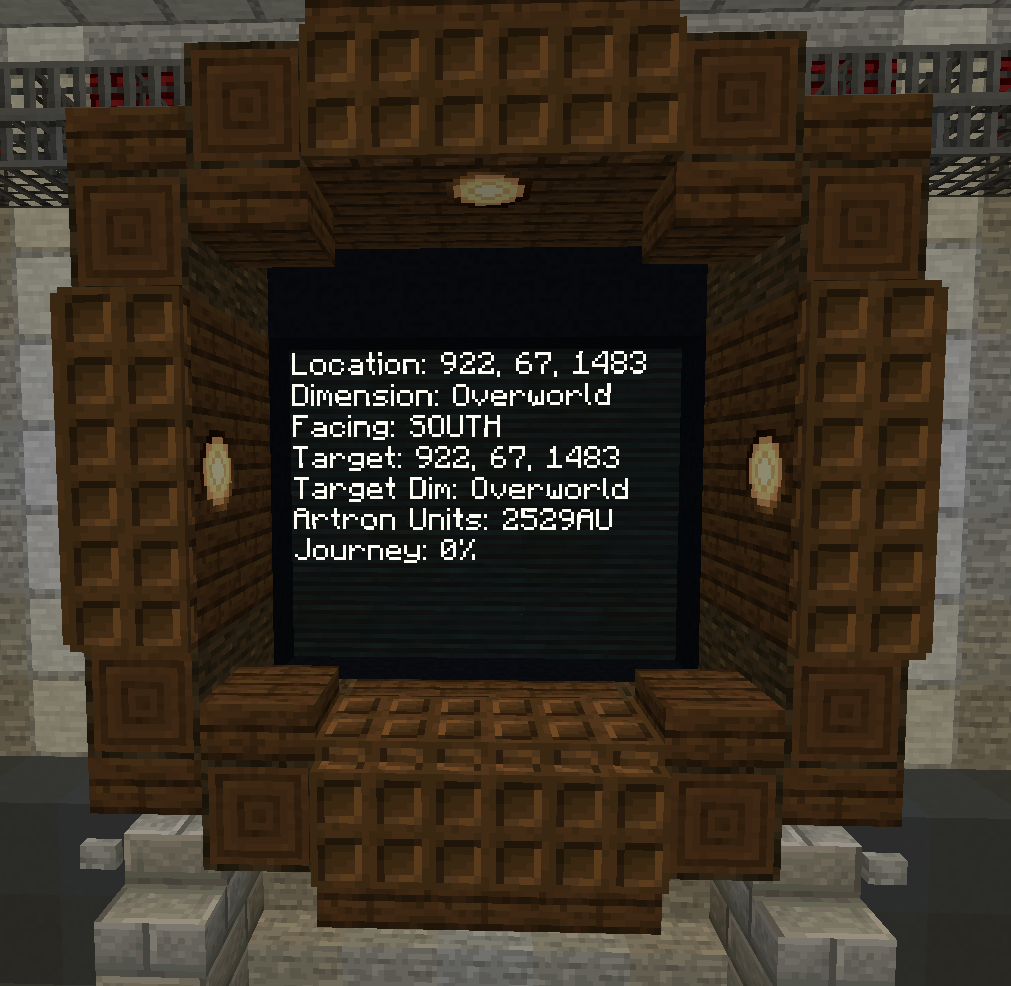
Display Tardis Information
Control Tardis Protocols
Set Destination to Filled Map Centre
The monitor can also set the Tardis' destination to the centre of a Filled Map Item
Variants
SeeRotating Outside Environment (External Scanner Mode)Monitor
The
This version of the Monitor allows it the screen to be rotated to any horizontal angle. Additionally, the length of the arm can alsobe allowadjusted with a Monitor Remote Item
Usage
Rotating the pilot to see the chunk around the Tardis Exterior whilst they are inside the Tardis interior.Screen
Adjusting Arm Length
Resolving Rendering issues or Crashes
To solve this, locatenear the tardis-client.config file in .minecraft/config folder and blacklist the block in the scannerBlacklistedBlocks option. Add in the Namespaced IDbottom of the blockGUI, youenter wanta number between 1-10, where 10 retracts the arm fully, and 1 extends the arm fully.
Obtaining
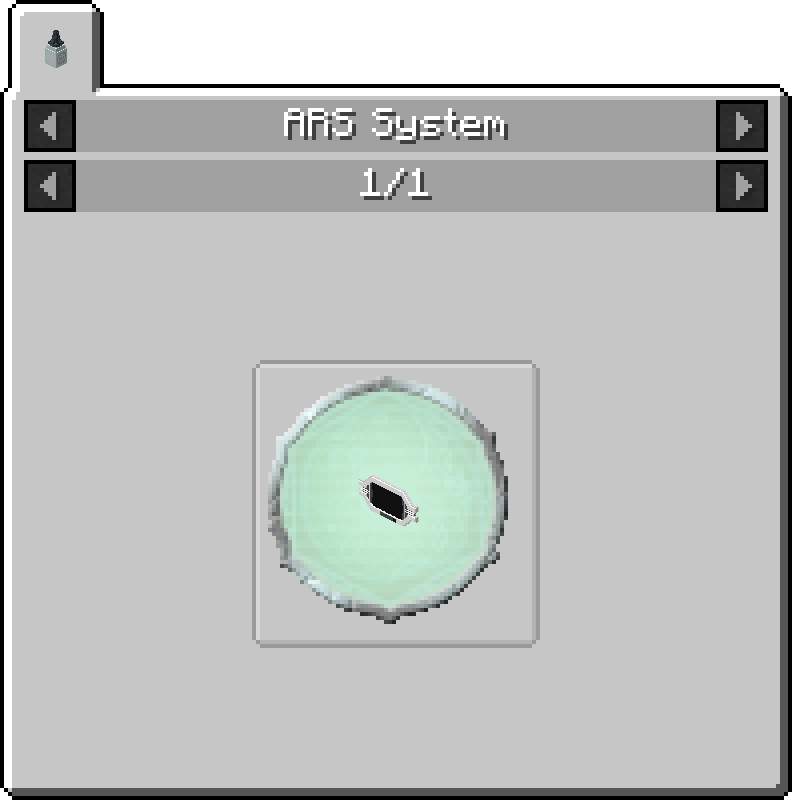
It can be obtained from the ARS Egg.
Dynamic Monitor

This version of the Monitor allows its screen size to blacklist.be of any size.
Usage
Obtaining
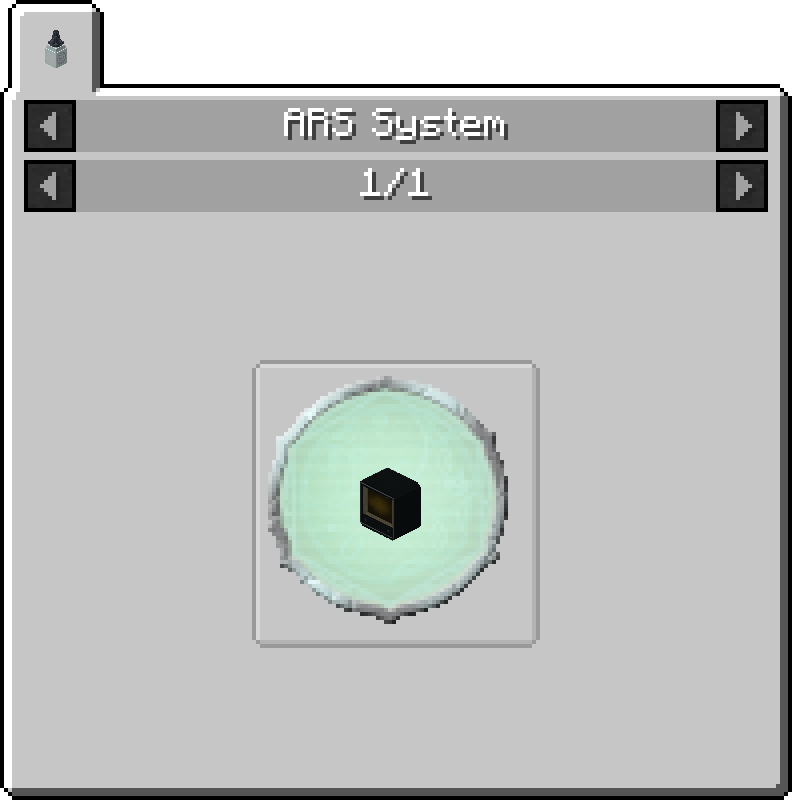
It can be obtained from the ARS Egg.
Notes
A notable behavior is that this variant will not open a Monitor GUI on right click, it is meant purely as a display piece.
Gallery
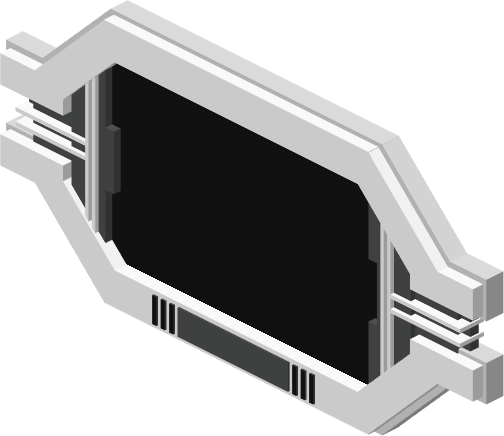
 Eye Monitor Variant
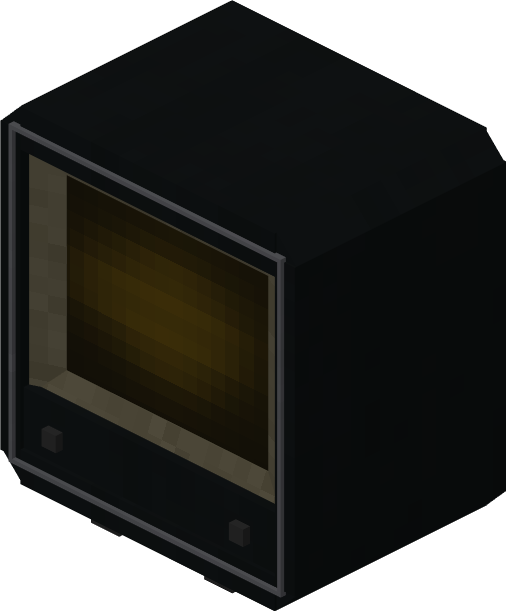
RCA Monitor Variant
Eye Monitor Variant
RCA Monitor Variant