
Sonic Screwdriver

The Sonic Screwdriver is a multipurpose tool that can be used to complete a variety of tasks.
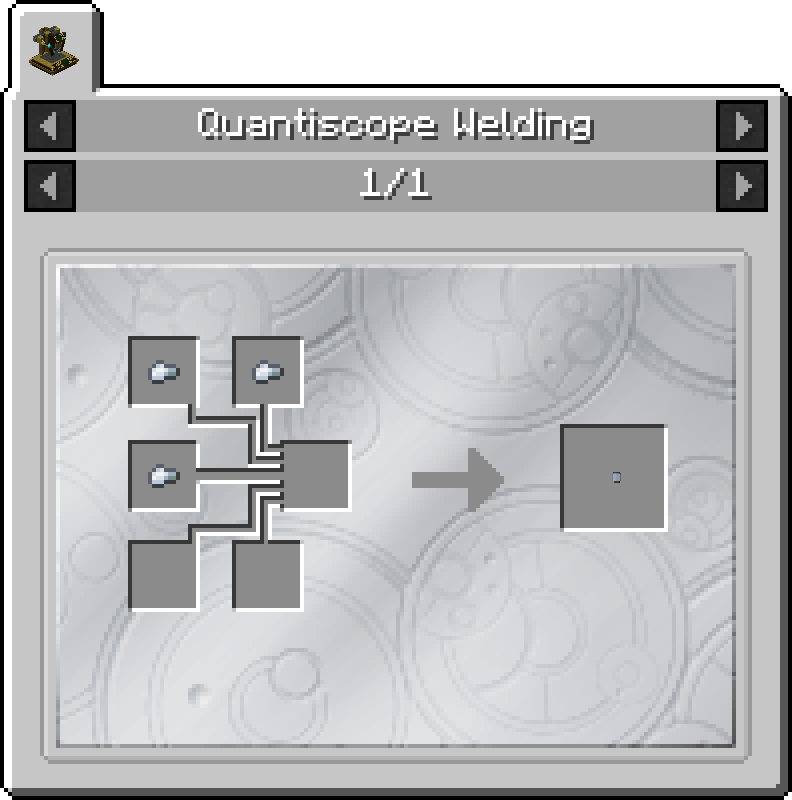
AcquisitionCrafting Recipe
Currently,
| Name |
- Sonic Emitter
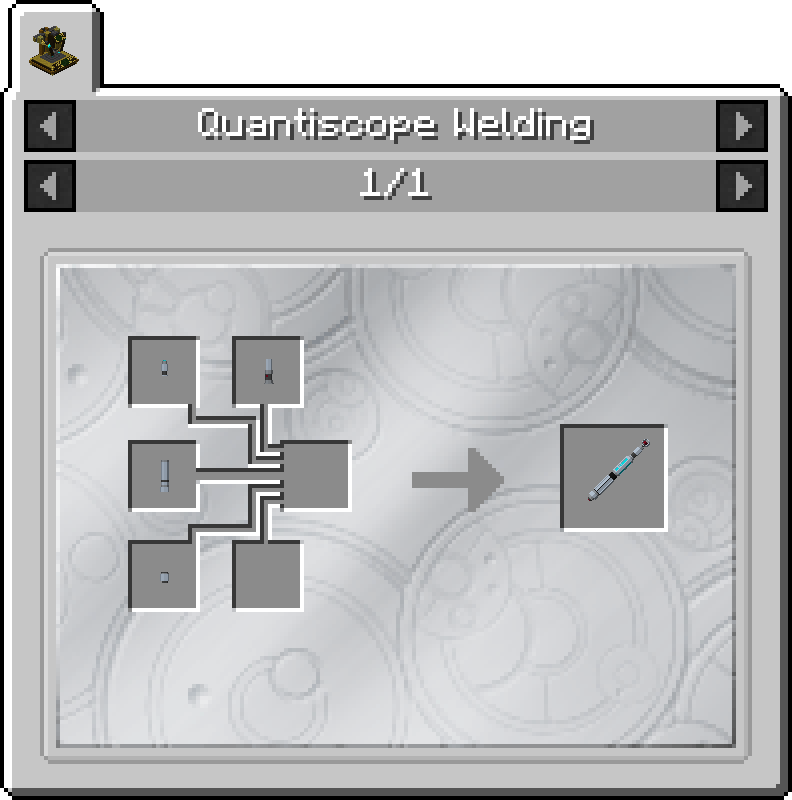
- 2 x Iron Nugget
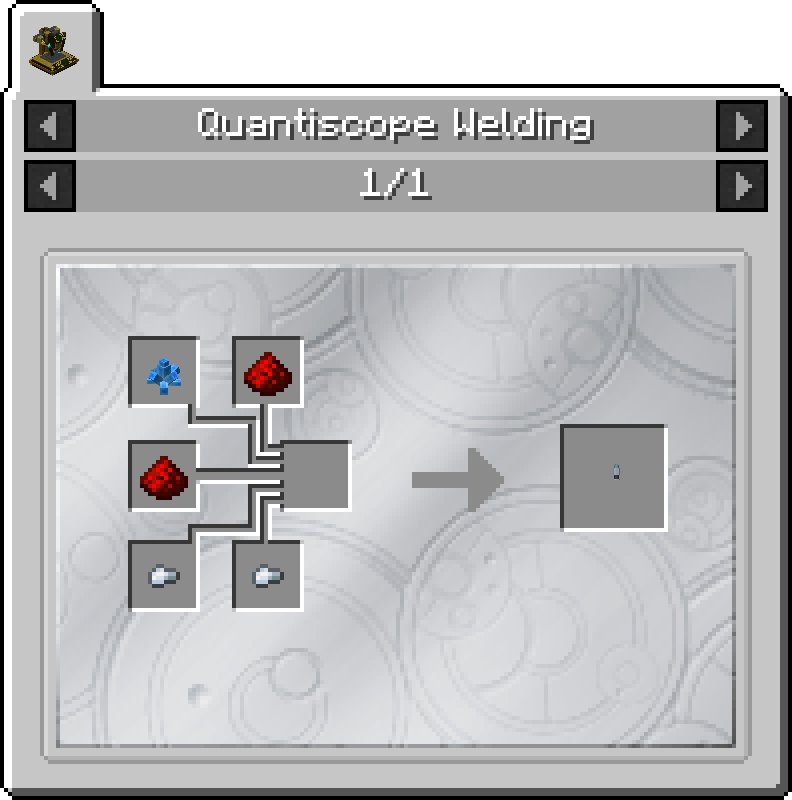
- 2 x Iron Nugget
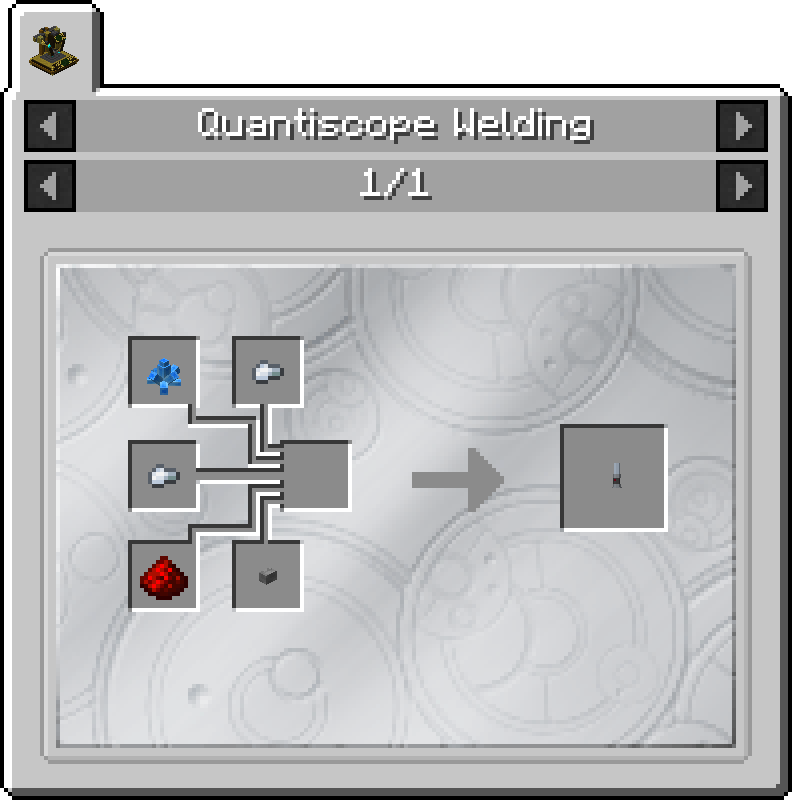
- 1 x Exotronic Circuit
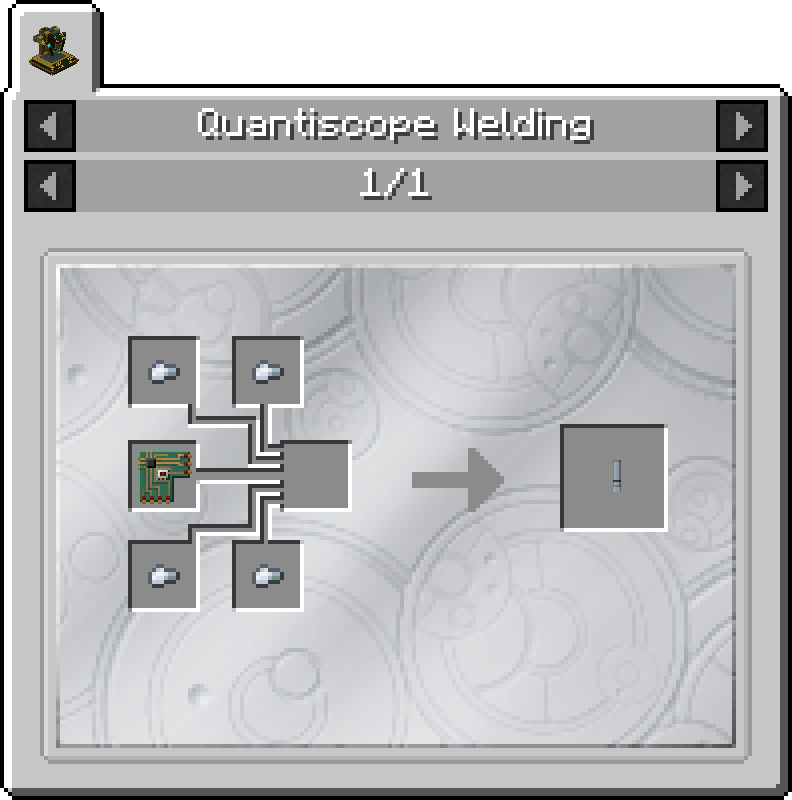
Sonic End Cap
- 3 x Iron Nugget
Features
Uses
The Sonic Screwdriver can interact with blocks, entities and more! Its uses are subdivided into seperate functions. Each function is configurable using the mod's configuration file.
Block Interactions
In this mode, the Sonic Screwdriver will able to modify the behaviour of certain blocks. This includes:
Entity Interactions
In this mode, the Sonic Screwdriver will able to interact with different entities. This includes:
- Ignite Creepers
- Shearing Sheep
- Making Squid squirt ink
- Dismantling Skeletons, Wither Skeletons and Skeleton Horses (
makesEachthementity will dropbonestheirandrespectivealootSkeletonwithSkull)normal conditions) RevealToggle Armor StandarmsArms- Right Click on the corner of the Right Shoulder (from the Armor Stand's perspective)
Tardis Coordinates
This mode will allow the Sonic Screwdriver to set the Tardis' destination coodinates. This does not bring the Tardis to those coordinates.
Note that this mode can be defined by the configuration file to not work in some dimensions. By default, the Tardis interior is blacklisted, meaning you cannot set the Tardis to land inside itself.
Lasers
This mode will allow the Sonic Screwdriver to fire a high powered laser, which will damage the entity the player is pointing at, as well as spawn fire blocks on top of existing blocks. This feature will only be obtainable through tiered upgrades
Usage
Switching between Functions
Using each Function
Mix and Match Sonic Parts
The Sonic Screwdriver can be customised to the user's wishes. Currently, it has four customisable parts, with seven variants for each part:
This can be done by placing a Sonic Screwdriver in the Quantiscope Sonic Customisation GUI. Use the arrow buttons to cycle through the options for each Sonic Part. Then take out the Sonic Screwdriver from the GUI slot.
Artron Charge Usage
Each Sonic action type will use a certain amount of Artron charge. The following table lists the energy usage of each action.
| Action |
Open Transduction Barrier GUI
0 Igniting Creeper 15 Shear Sheep 15 Dismantle Skeleton 50 Make Squids squirt ink 15 Toggle Armor Stand Arms 5 Set Tardis Destination 25Recharging Sonic Screwdriver
The Screwdriver has a maximum charge of 500 Artron Units.
To recharge your Sonic Screwdriver, place it in the Charging Panel of the Tardis Engine. When the Tardis has more than 0 Artron, it will gradually reach the screwdriver.
Gallery

