Waypoint Bank
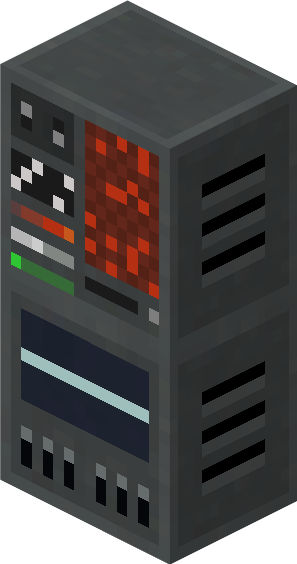 The Waypoint Bank is a block that increases the Tardis' total waypoint capacity.
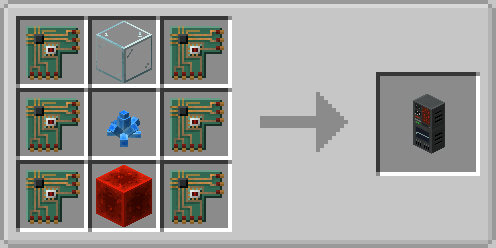
Crafting Recipe
Name
Ingredients
Recipe
Waypoint Bank
6 x Extronic Circuits
1 x Glass Block
1 x Redstone Block
1 x Xion Crystal
Usage
Increasing Waypoint Capacity
Place down a Waypoint Bank anywhere inside the Tardis Interior Dimension
This will increase the Tardis' Waypoint Capacity by 5
Adding Waypoints
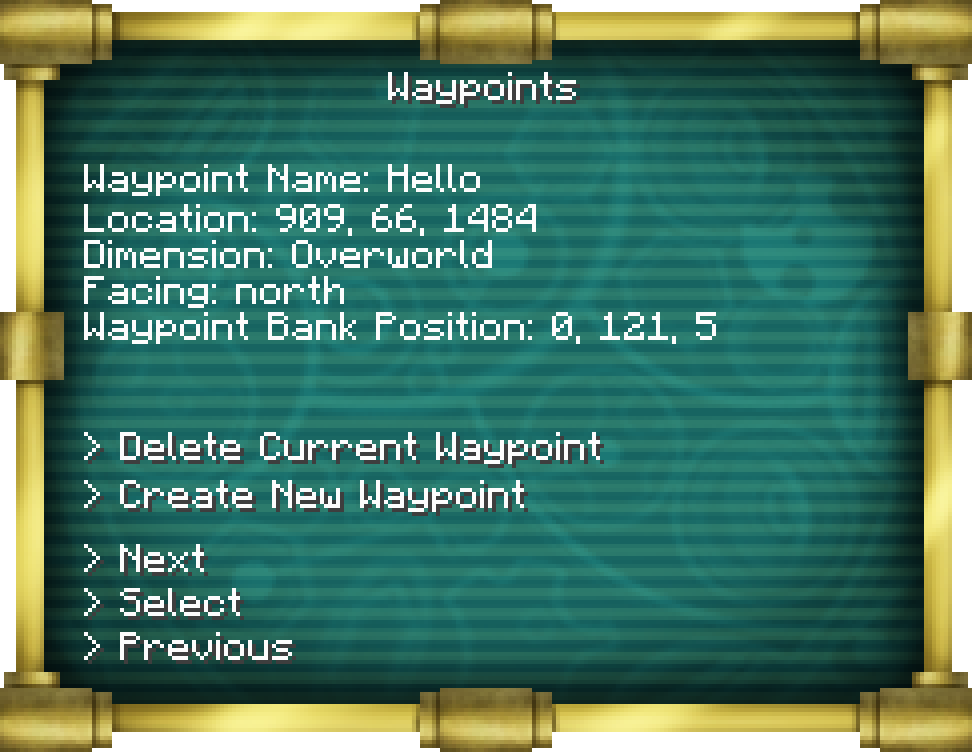
Right click the Tardis Monitor and select the Waypoints
ScreenScreen. Ensure you have placed Waypoint Bank blocks in the Tardis dimension before you do so.
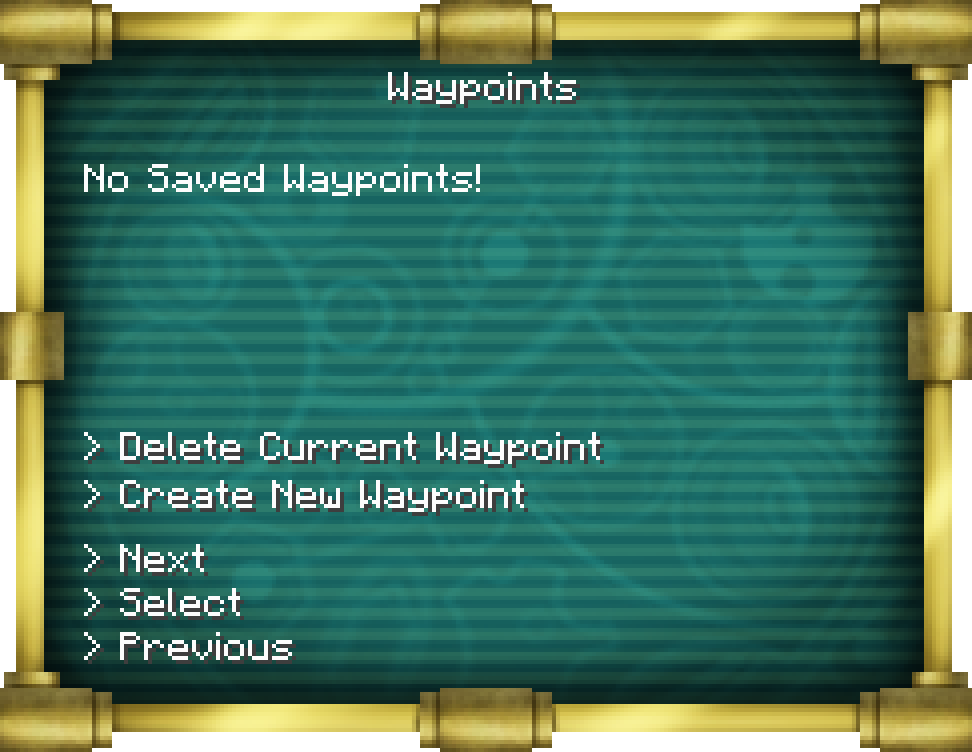
Click the "Create a New Waypoint" button and follow its
instructionsinstructions.
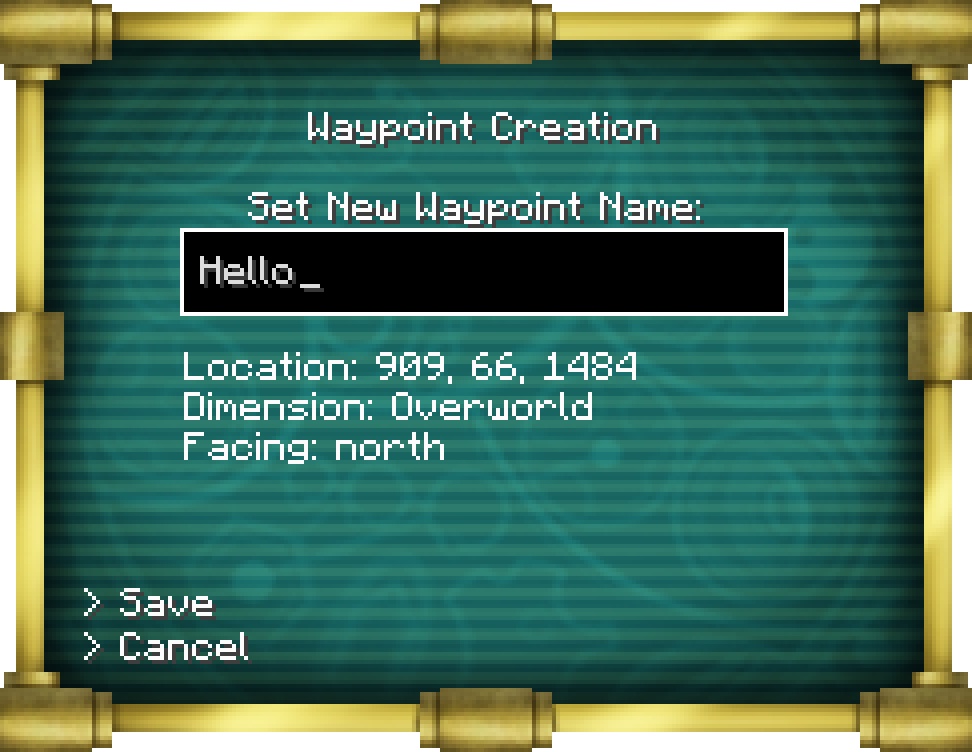
Save the waypoint.
This will save a waypoint to the first Waypoint Bank detected by the Tardis
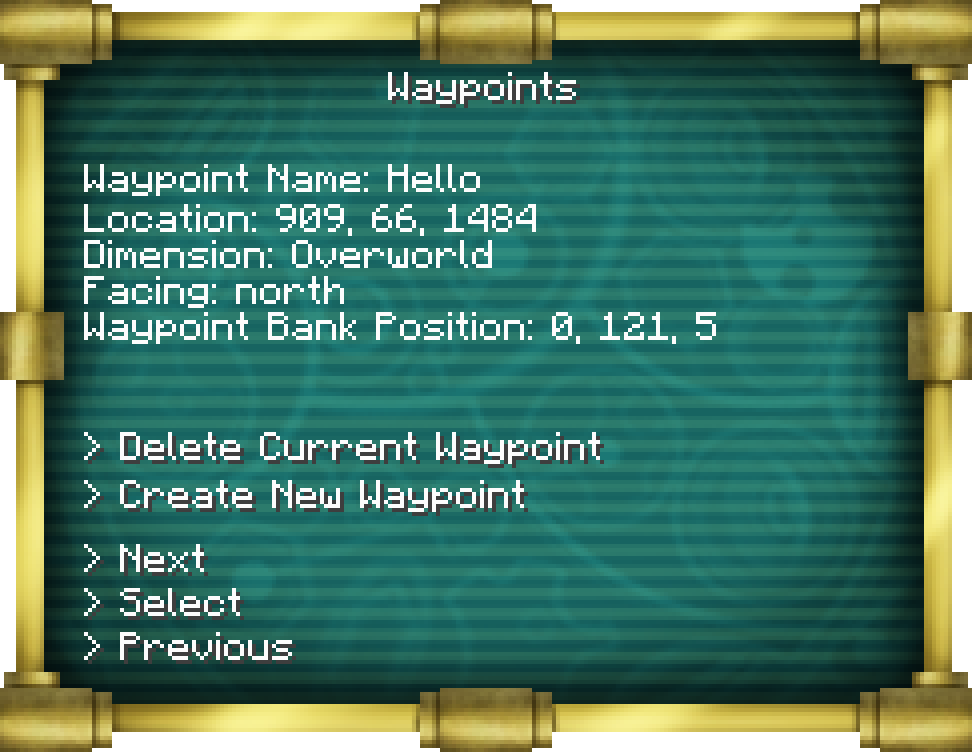
Loading Waypoints
Right click the Tardis Monitor and select the Waypoints
ScreenScreen.
Use the Next and Previous Buttons to cycle through the Waypoint list until you have selected the desired
WaypointWaypoint.
Load the Waypoint using the "Load"
ButtonButton.
Take off with the
TardisTardis.
Deleting Waypoints
Deleting Individual Waypoints
Right click the Tardis Monitor and select the Waypoints
ScreenScreen.
Use the Next and Previous Buttons to cycle through the Waypoint list until you have selected the desired
WaypointWaypoint.
Delete the Waypoint using the "Delete"
ButtonButton.
Deleting multiple Waypoints
You can remove multiple waypoints from your Tardis by breaking the Waypoint Bank block.
This will remove FIVE waypoints from the Tardis that were stored in the Waypoint Bank you
brokebroke.

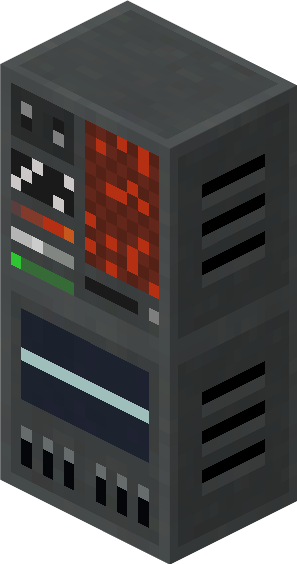 The Waypoint Bank is a block that increases the Tardis' total waypoint capacity.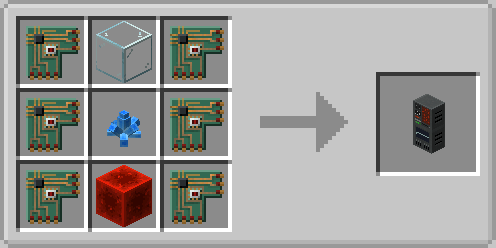
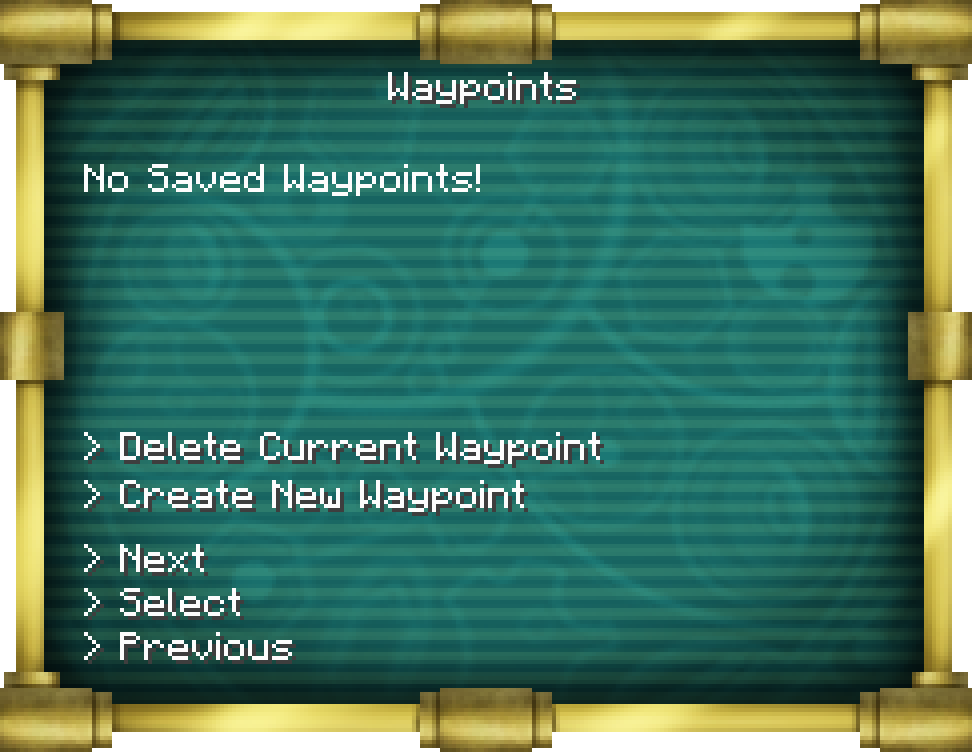 Click the "Create a New Waypoint" button and follow its
 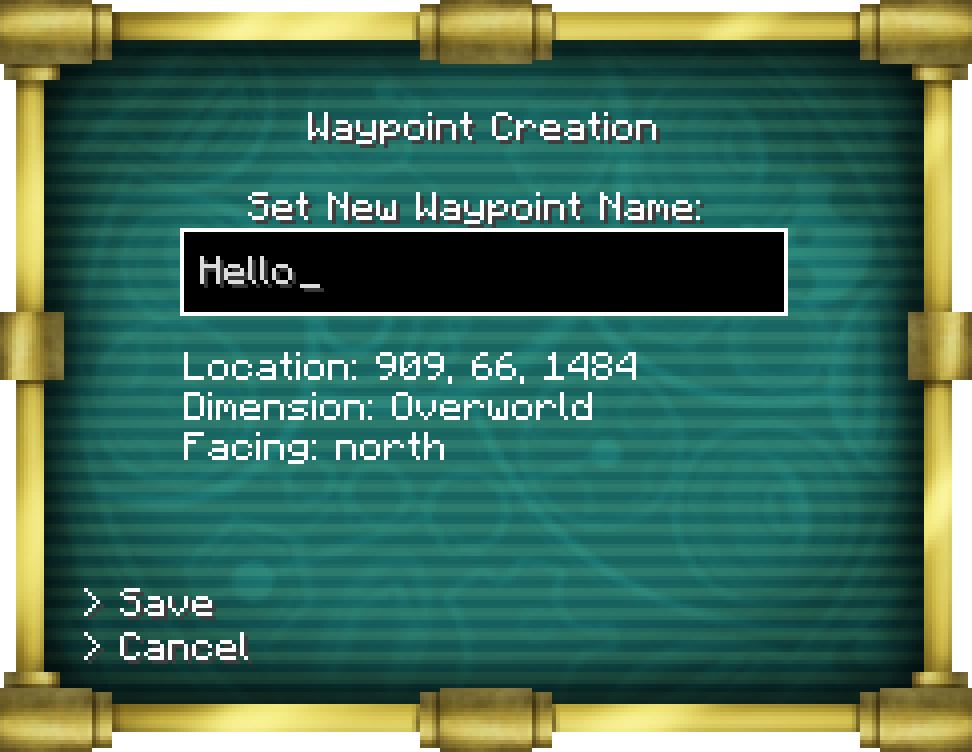 Save the waypoint.